Module System
A single DBML file can grow very large, making it difficult to navigate, maintain, and collaborate on. The module system lets you split a schema across multiple files — keeping things organized by domain, sharing common definitions across projects, and importing only what you need.
Import All
You can use the import-all syntax to import everything a file exports.
use * from './path-to-file'
./path-to-file is a relative path to the source file. The .dbml extension in the import path is optional ('./base' and './base.dbml' both work).
// base.dbml
Table users {
  id int [pk]
}

Table orders {
  id int [pk]
}
// Everything from ./base.dbml will be imported
use * from './base'

Ref: orders.user_id > users.id
Selective Import
Import all may cause unexpected name conflicts. For a more fine-grained control over what is imported, you can selectively pick some elements from another file to import into the current file with the selective-import syntax.
use {
  type name
  type name // one or more elements can be specified
  ...
} from './path-to-file'
type— the element type:table,enum,tablepartial,note,schema, ortablegroup. See Supported Import Types.name— the element name as declared in the source file
Only the specified elements will be imported, others will not be visible and will not cause conflicts in the current file.
Supported Import Types
| Keyword | What is imported |
|---|---|
table | Table (records and refs come along with it) |
enum | Enum |
tablepartial | TablePartial |
note | Sticky Note |
schema | All elements under that schema |
tablegroup | TableGroup (all tables in the group) |
Element type keywords are case-insensitive (Table, TABLE, and table are all valid).
// auth.dbml
Table auth.users {
  id int [pk]
  email varchar
}

Table auth.roles {
  id int [pk]
  name varchar
}

Table auth.sessions {
  id int [pk]
}

TableGroup auth_core {
  auth.users
  auth.roles
}
// u and r are available as tables here
use {
  table auth.users as u
  table auth.roles as r
} from './auth'

// auth.users, auth.roles, auth.sessions are available here
use {
  schema auth
} from './auth'

// auth_core, auth.user, auth.roles are available here
use {
  tablegroup auth_core
} from './auth'
Import Aliases
When two files define elements with the same name, use as to rename imports and avoid conflicts.
// auth.dbml
Table users {
  id int [pk]
  email varchar
}
// billing.dbml
Table users {
  id int [pk]
  amount decimal
}
// Alias the tables to avoid name conflicts
use {
  table users as auth_users
} from './auth'

use {
  table users as billing_users
} from './billing'
Once aliased, only the alias name is accessible — the original name is not.
Re-exporting with reuse
use makes imported elements available only in the current file. If another file imports the current file, it will not see elements brought in via use:
// common/index.dbml
use * from './users'
use * from './orders'
// main.dbml
// users and orders are NOT available here
use * from './common/index'
reuse goes one step further — it also makes them visible to any file that imports the current file.
// common/index.dbml
reuse * from './users'
reuse * from './orders'
// main.dbml
// users and orders are available here
use * from './common/index'
reuse is best for cases where you want to expose some schema elements to other consumers, without forcing the consumers to be aware of the internal folder structure of your project.
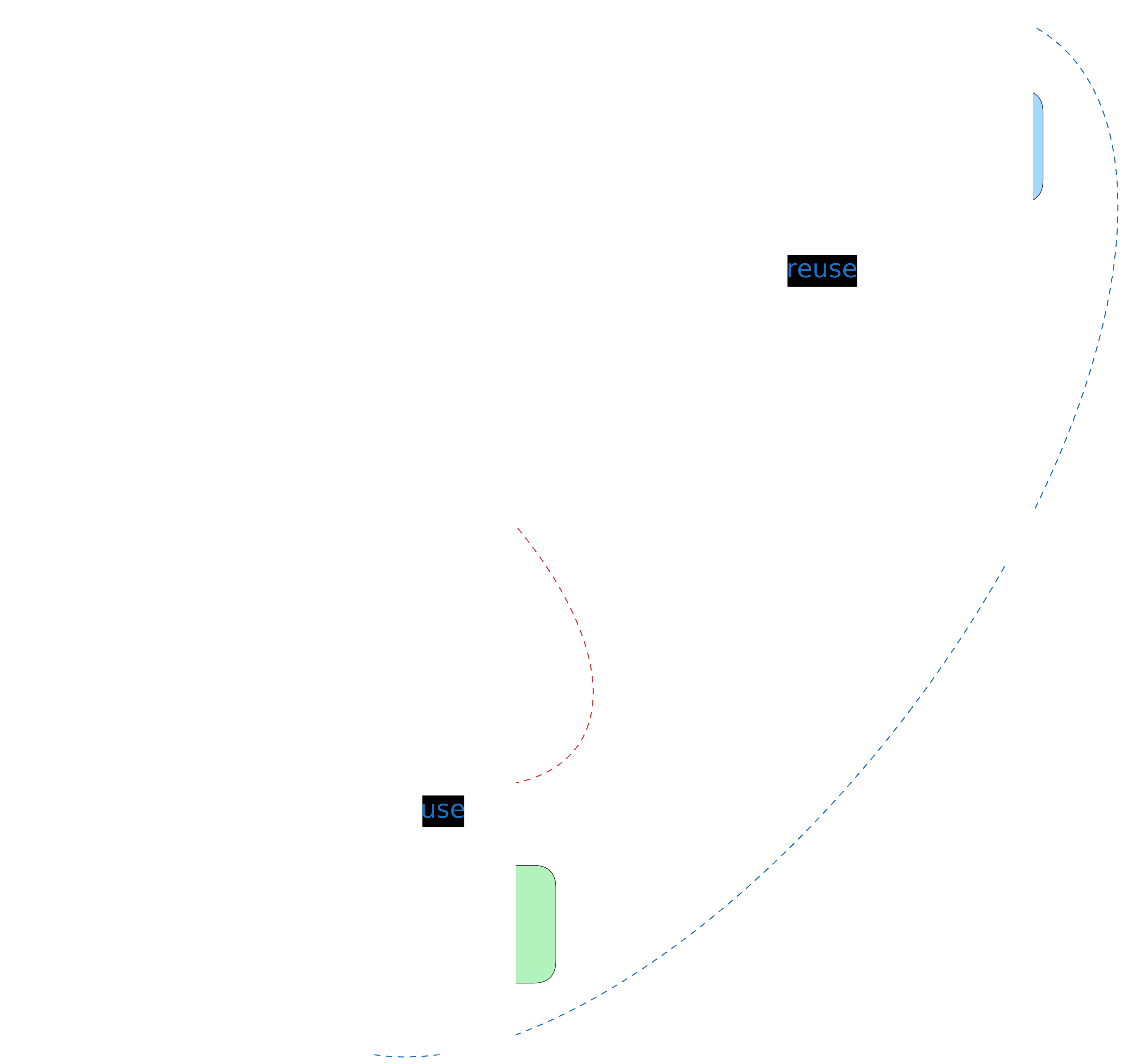
main.dbml can only see include-*.dbml files — those imported via reuse. Files imported via use stay private to the intermediate file.Notes
use is not transitive — If a.dbml imports b.dbml and b.dbml imports c.dbml via use, elements from c.dbml would not be available in a.dbml. Use reuse if you need to pass elements through.
Circular imports — Because DBML is declarative, files can reference each other without any issues. For example, users.dbml can import from orders.dbml and vice versa.